01 · 1
Who you are, in a sentence
Your name, where you work from and what you make or sell. "Linden and Loom is a two-person linen studio" beats a paragraph about passion.
Every store needs an About us page, an FAQ and clear shipping and returns pages, and they're easy to put off. StoreDesk works as an about us page generator inside your store admin: tell it the facts, read the draft, and the page goes live only when you approve it.
01What it does
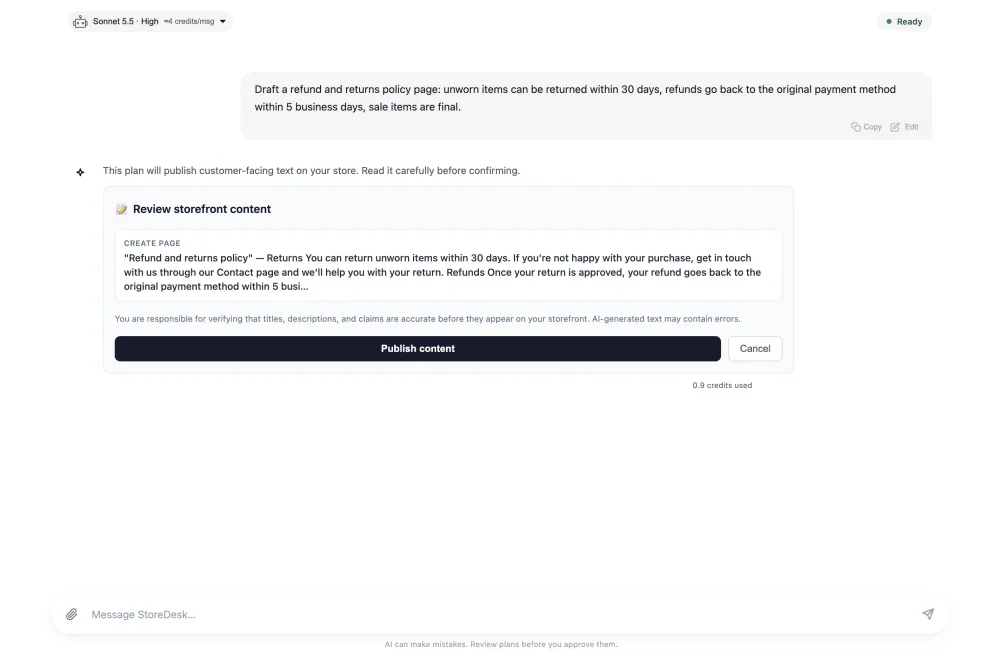
StoreDesk is an AI assistant that works inside your Shopify admin, and it doubles as an about us page generator, FAQ page generator and first-draft writer for your shipping, returns and privacy pages. You describe your store in the Store Agent chat: who you are, what you sell, how you ship and what you accept back. It drafts the page, shows it in a review card and creates it only when you press Publish content. It writes from what you tell it and won't invent testimonials, awards or numbers. Policy pages are a first draft to review with a professional, never legal advice.
02Before you write
An About us page answers one question: why buy from you instead of someone else? Four parts do most of the work.
Your name, where you work from and what you make or sell. "Linden and Loom is a two-person linen studio" beats a paragraph about passion.
The real reason, briefly. A problem you had, a craft you learned, a gap you saw. Shoppers remember a true detail.
Materials, suppliers, small batches, testing: whatever is true and matters to your buyer.
Point to your best collection or your contact page. Skip invented numbers and quotes: a short, honest page reads better than a padded one.
03FAQ pages
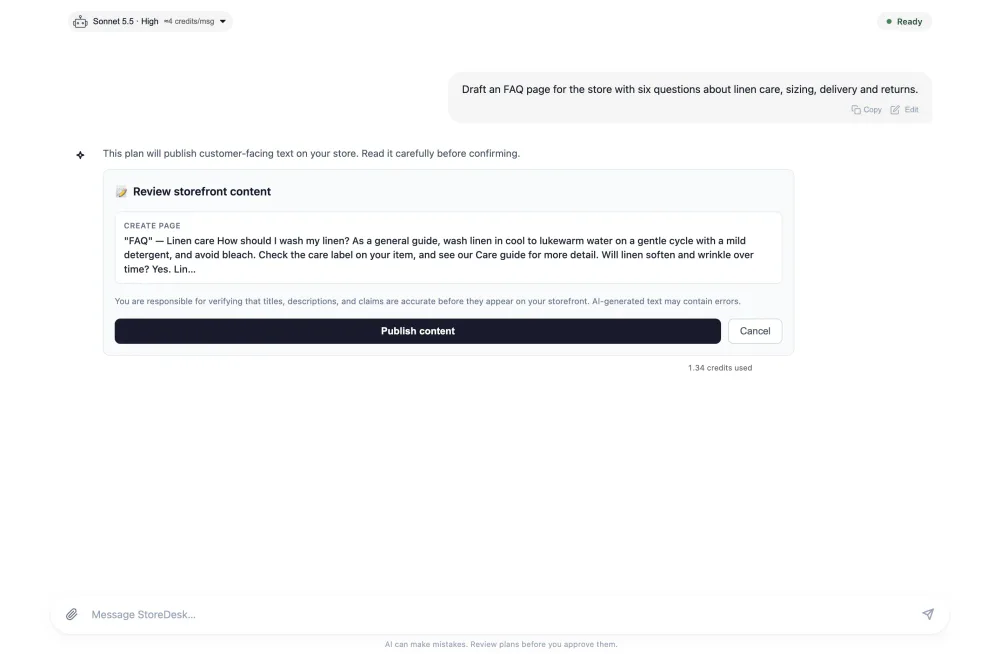
"Draft an FAQ page for the store with six questions about linen care, sizing, delivery and returns." StoreDesk writes the questions and answers as one page, so shoppers find answers before they email you.
04Policy pages
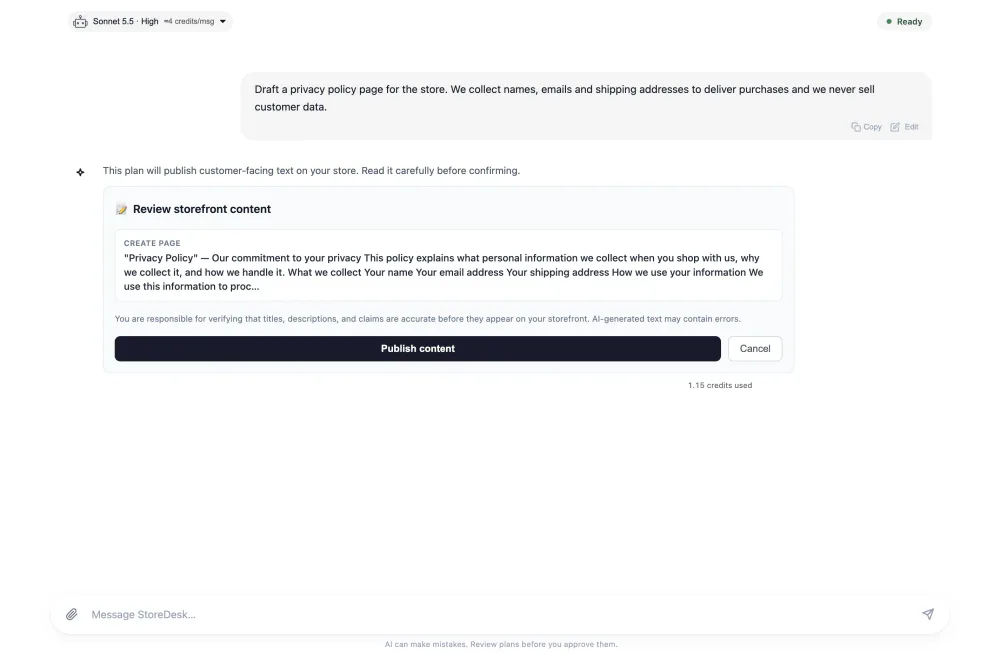
Give StoreDesk your real rules and it turns them into a readable page. "Draft a privacy policy page for the store. We collect names, emails and shipping addresses to deliver purchases and we never sell customer data." The result is a first draft to review with a professional, not legal advice.
05How it works
Every page goes through the same approval step, and the change history keeps a record you can undo for 30 days.
Open Store Agent and describe the page: your story, your delivery times, your return window, what data you collect.
The review card shows the page title and the opening of the text, with a reminder to check it.
Publish content creates the page. Ask for a hidden page if you want to read it in full in your admin first.
StoreDesk doesn't edit navigation menus, so add the new page to your header or footer menu in your admin.
07Related
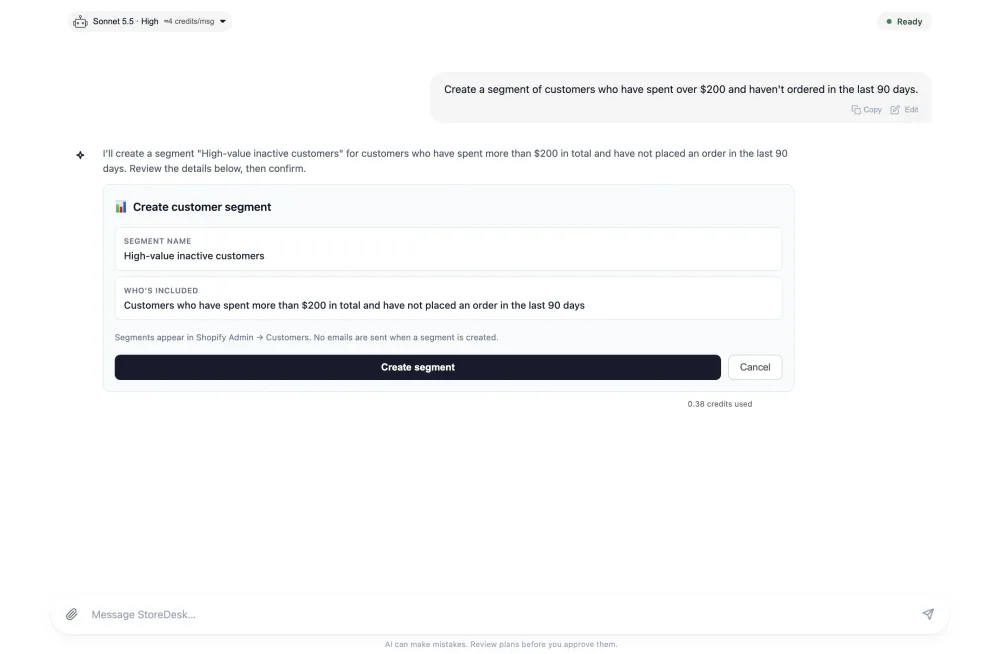
Customer segmentation without filter syntax: describe the customers you want, like everyone who spent over $200 and hasn't ordered in 90 days, and StoreDesk builds the segment in your admin once you approve it.
Learn moreMake clean white-background product photos from a title, on Advanced and Pro.
Learn more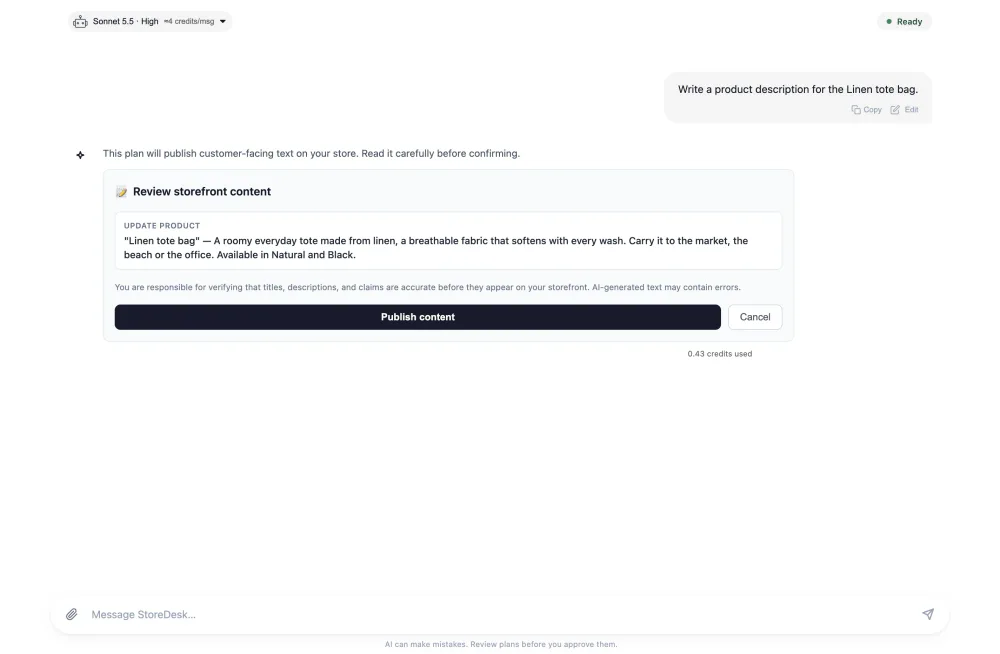
Writing a clear, honest description for every product one by one is slow. StoreDesk is an AI product description generator inside your store admin: ask in plain English, read the draft, and nothing changes until you approve it.
Learn more08FAQ
Say who you are, why you started, how you make or choose your products and what a shopper should do next. Keep it short and true. In StoreDesk you type those facts in the chat and it drafts the page for you to review and publish.
State where you ship, how long processing and delivery take, what it costs and what happens if a parcel is late or lost. Give StoreDesk those rules and it drafts a shipping page in plain language for you to check before it goes live.
Yes, as a first draft from facts you give it. StoreDesk writes About, FAQ, shipping, returns and privacy pages in the chat, shows each one for approval, and won't invent testimonials, awards or statistics. Policy pages still need a review by someone who knows the law where you sell.
No. It creates the page, but it doesn't edit navigation menus, so add the page to your header or footer menu in your admin.
It can write the text for a contact page, such as your email, response times and what to include in a message. The contact form itself comes from your theme's contact page template, which you choose for the page in your admin.
Yes. Name the page and say what to change, and the new text shows in a review card first. StoreDesk sees your page titles but not their text, so paste in anything it should keep. Changes can be undone from Settings > AI change history for 30 days.